How QR Code Drawing Works — No App, No Sign-Up, Everyone Joins in Seconds
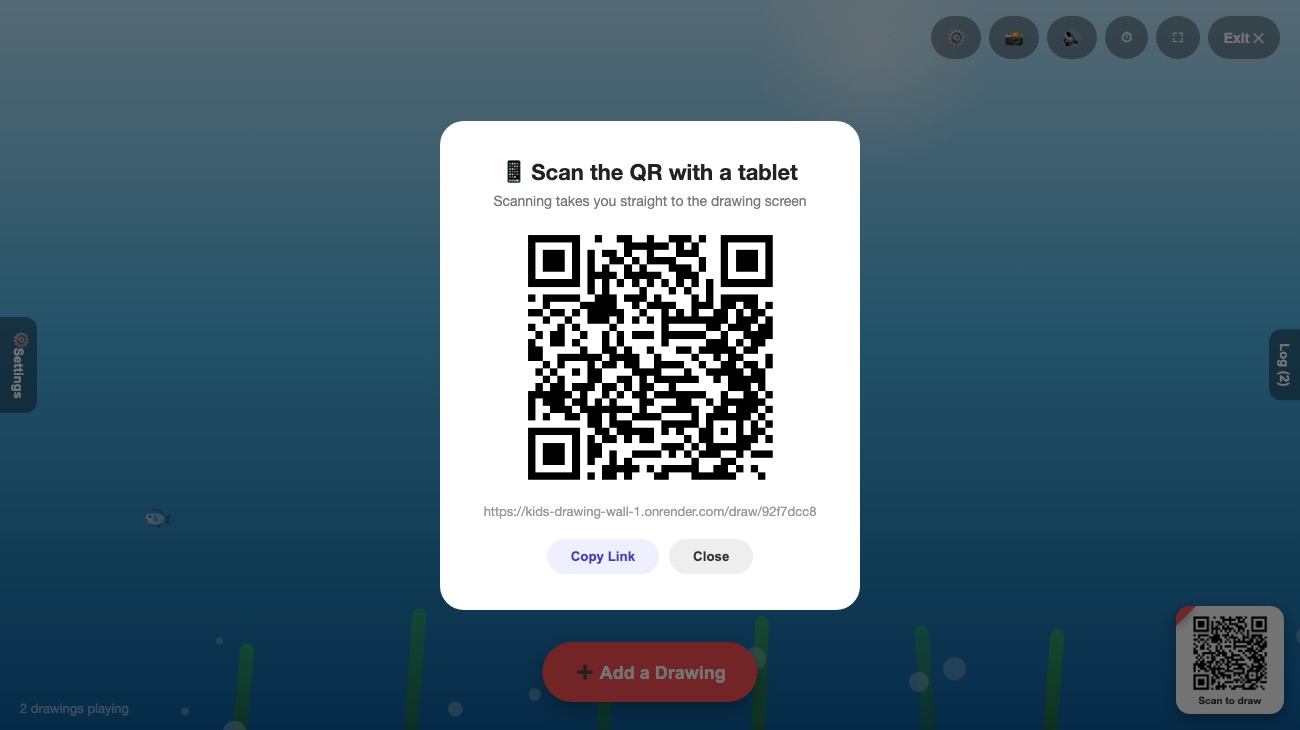
The magic of a real-time drawing wall is how little it asks of people: point a camera, draw, done. No downloads, no accounts, no fumbling with Wi-Fi passwords. Here's what's actually happening behind that simple experience — explained without the jargon.
The problem QR codes solve
Getting a group to join any shared activity usually means friction: "install this app," "make an account," "enter this code." Every step loses people — especially at a party or in a classroom where you have a minute of attention at most. A QR code collapses all of that into a single action. It's just a link, drawn as a pattern of squares that a phone camera can read instantly.
What happens when you scan the code
When the host starts a session on the big screen, the app creates a private session with its own web address —
something like /draw/3f9a2c1b. It turns that address into a QR code and shows it on screen. When a
guest points their camera at it, the phone recognizes the link and offers to open it. Tapping the link opens a
drawing canvas right in the phone's normal web browser.
That's the whole trick: the QR code is simply a fast way to type a web address without typing. Because it opens in the browser everyone already has, there's nothing to install.
How drawings reach the big screen instantly
Once a guest is on the drawing canvas, their phone and the big screen stay connected through a live channel — a technology often called WebSockets. Think of it as an open phone line between every guest's device and the host's screen, rather than each device having to constantly ask "anything new yet?"
When someone finishes a drawing and taps send, the image travels over that open line to the host's screen and appears within a moment. The same line lets the host do things live too — highlight a drawing, clear the wall, or pause new submissions — and every connected device reacts instantly.
💡 Everyone shares one session, so a drawing sent from a phone in the back row shows up on the same wall as one sent from the front — all in real time.
Why there's no app and no account
Two deliberate choices keep it frictionless:
- It runs in the browser. Modern web browsers can already draw on a canvas and maintain a live connection, so a downloadable app would only add a barrier without adding much.
- It doesn't need to know who you are. The wall works perfectly whether you're "Guest" or you type a first name. With no accounts to manage, there's nothing to sign up for and nothing to log into.
What happens to your drawing afterward
Drawings live only in the session's memory while it's active. They're relayed to the big screen and kept just long enough to float across it — they're never written to a database. When the host ends the session or it expires, everything is discarded. The one exception is entirely in the host's hands: they can save a snapshot of their own screen as an image, which is created in their browser and downloaded to their device. You can read the full details in our Privacy Policy.
Do you need a strong internet connection?
A normal phone data connection or venue Wi-Fi is plenty. Drawings are small, and the live connection is lightweight. The main screen does need a steady connection since it's the hub everything flows to — so if you're hosting, connect that display to the most reliable network in the room.
The takeaway
A QR-code drawing wall feels effortless because the hard parts — connecting devices, syncing in real time, keeping it private — happen quietly in the background. All that's left for guests is the fun part: scan, draw, and watch it appear. That's exactly the point.
See it in action →