A Live Photo Wall at a Church Event: Giving Kids a Fun Mission Everyone Can See
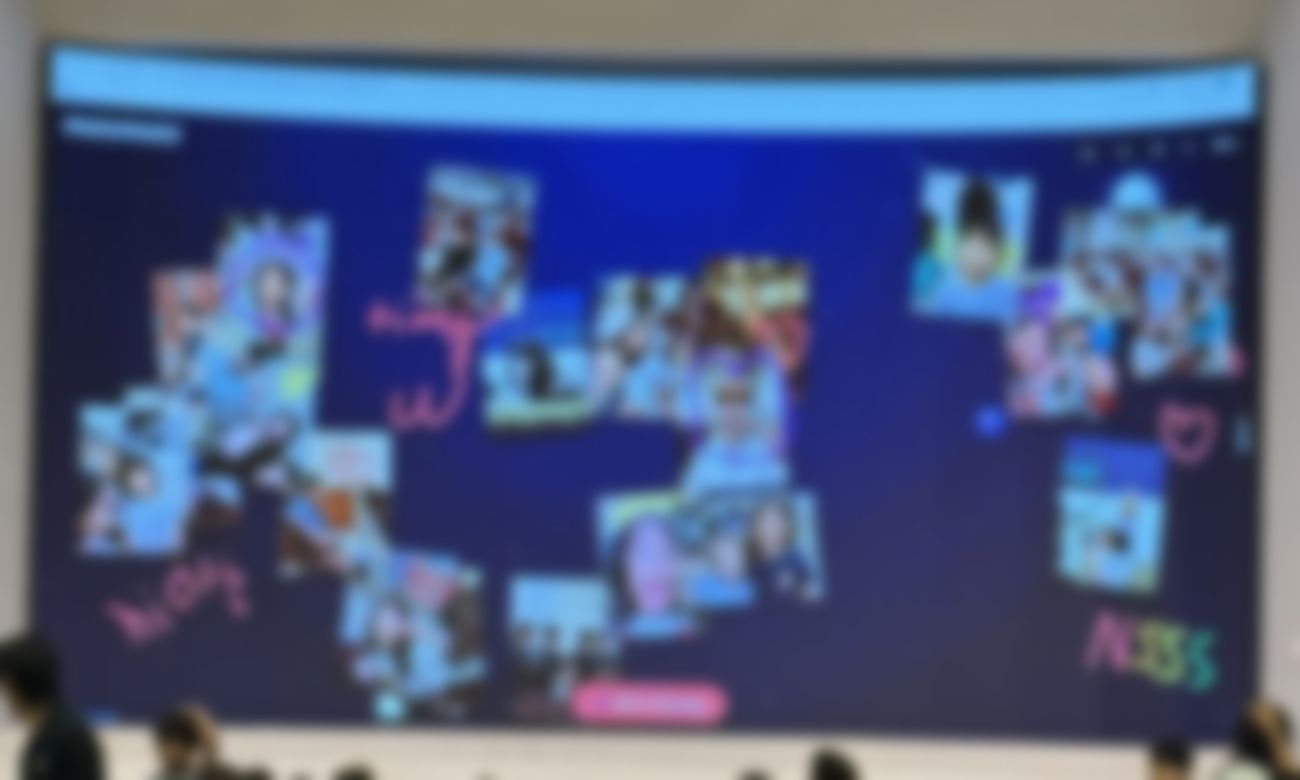
At one recent church gathering, the children weren't asked to sit still and listen — they were handed a mission. Scan the code, capture a moment, and watch it land on the big screen with everyone else's. What followed was the kind of gentle, joyful chaos every family event hopes for.
The idea: turn "look at the screen" into "get on the screen"
Church events bring together a wide mix of ages, and the hardest group to keep engaged is usually the youngest. A live shared wall flips the dynamic. Instead of watching a slideshow someone prepared in advance, the kids became the contributors. The "mission" was simple: find something at the event worth sharing — a friend, a craft, a smile — and send it to the wall. Within minutes, the front screen was alive with pictures the children had chosen themselves.
Because everyone contributes from their own phone and it all appears on one screen, no single device gets passed around and no one waits for a turn. Shy kids who'd never stand up front happily took part from their seat, then lit up when their photo floated onto the big screen for the whole room to see.
Why a shared wall fits a church setting
- It's intergenerational. Grandparents, parents, and kids can all join with a single camera scan — no app, no account, no tech skills required.
- It builds a sense of togetherness. A wall filling with contributions from across the room mirrors exactly what a congregation is about: many people, one gathering.
- It's respectful of attention. The host controls the screen, so it can be paused during a talk or prayer and brought back for the social moments.
- Setup is minutes, not hours. No printing, no crafts to prep, no cleanup afterward.
How to run a photo mission at your event
- Put the wall on the main screen. Open Drawing Playground on the sanctuary projector or a TV in the fellowship hall and give it a title like "Family Fun Day 🎉".
- Announce the mission. A single sentence does it: "Kids — point your camera at the screen and send us your best moment from today!" The QR code on screen is the only instruction anyone needs.
- Give gentle prompts. "Show us who you came with," "Send a picture of your craft," or "Draw what you're thankful for" all keep the wall moving without pressure.
- Celebrate as it fills. As host, highlight a contribution now and then, and clear the wall between segments so it feels fresh when you return to it.
- Save a keepsake. Before you end the session, save a snapshot of the finished wall to your device — a lovely memento of the day to share in the church newsletter or group chat.
💡 Mix it up: some children love sending photos, while others would rather draw. A shared wall welcomes both, so no one is left out — a doodle of a rainbow sits happily next to a snapshot from across the room.
A note on children and privacy
Any time children are involved, a little care goes a long way. Because the wall is shown live to everyone in the room, keep an eye on what appears and remember that, as host, you can remove any item from the screen at any time. If you plan to save or share the finished wall beyond the event, it's worth a quick word with families first — the same courtesy you'd extend before posting event photos anywhere.
On the technical side, Drawing Playground is built to hold as little as possible: there are no accounts, nothing is written to a database, and everything on the wall is discarded from the server when the session ends. You can read the specifics in our Privacy Policy.
Beyond the photo mission
The same setup adapts to almost any church gathering. A youth night can run a drawing challenge, a potluck can collect "what I'm grateful for" notes, and a holiday service can invite the congregation to send a shared wall of well-wishes. Wherever you want people to feel part of the moment rather than just watching it, a live wall does the work for you.
Start a wall for your church event →